Listen
The app plays the song and shows the keys. Good for getting to know it before you play.
 MaestroPiano
Download
MaestroPiano
Download
A piano app made in Portugal
Short lessons, notes that fall like in a game and the sound of a real grand piano. Start on your phone screen or connect the app to the piano you have at home.
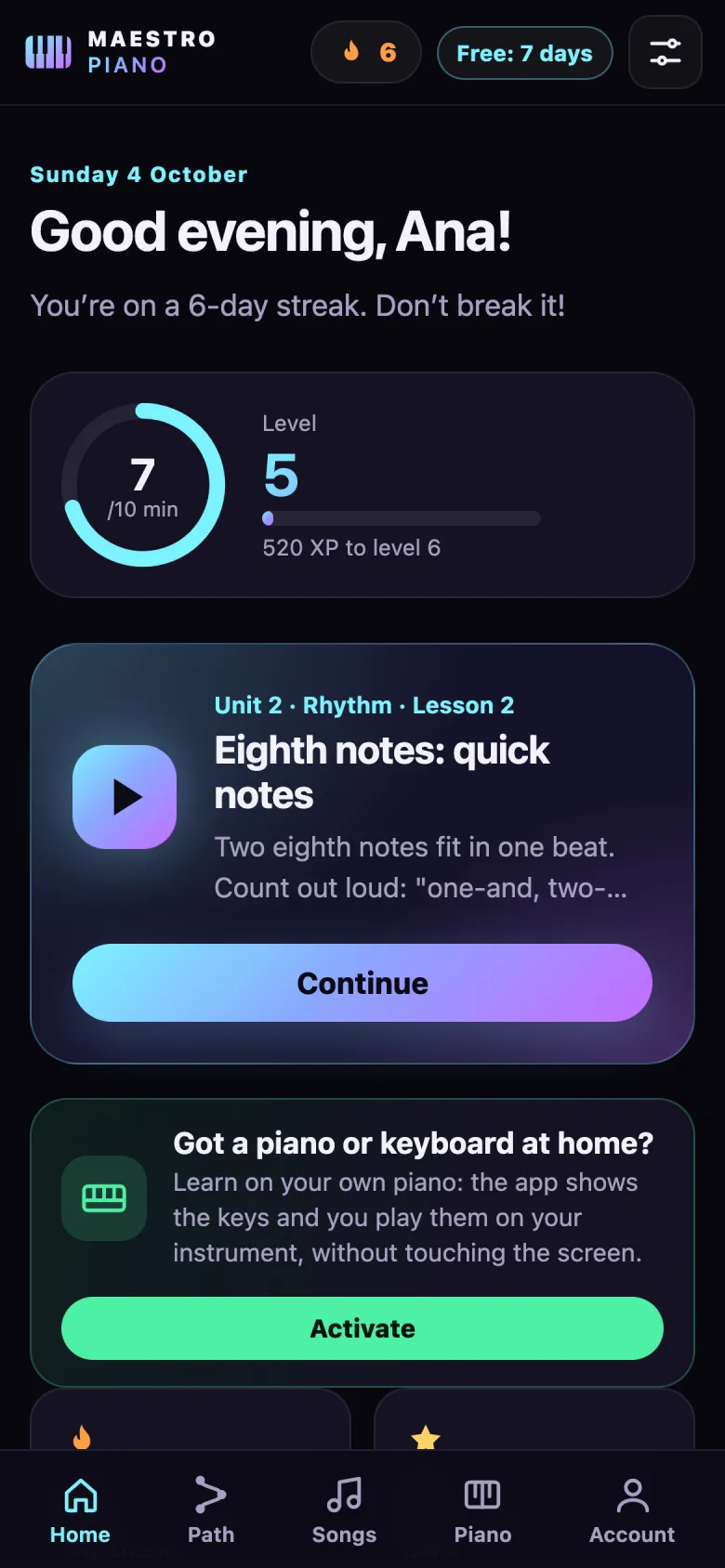
Got a piano or keyboard at home?
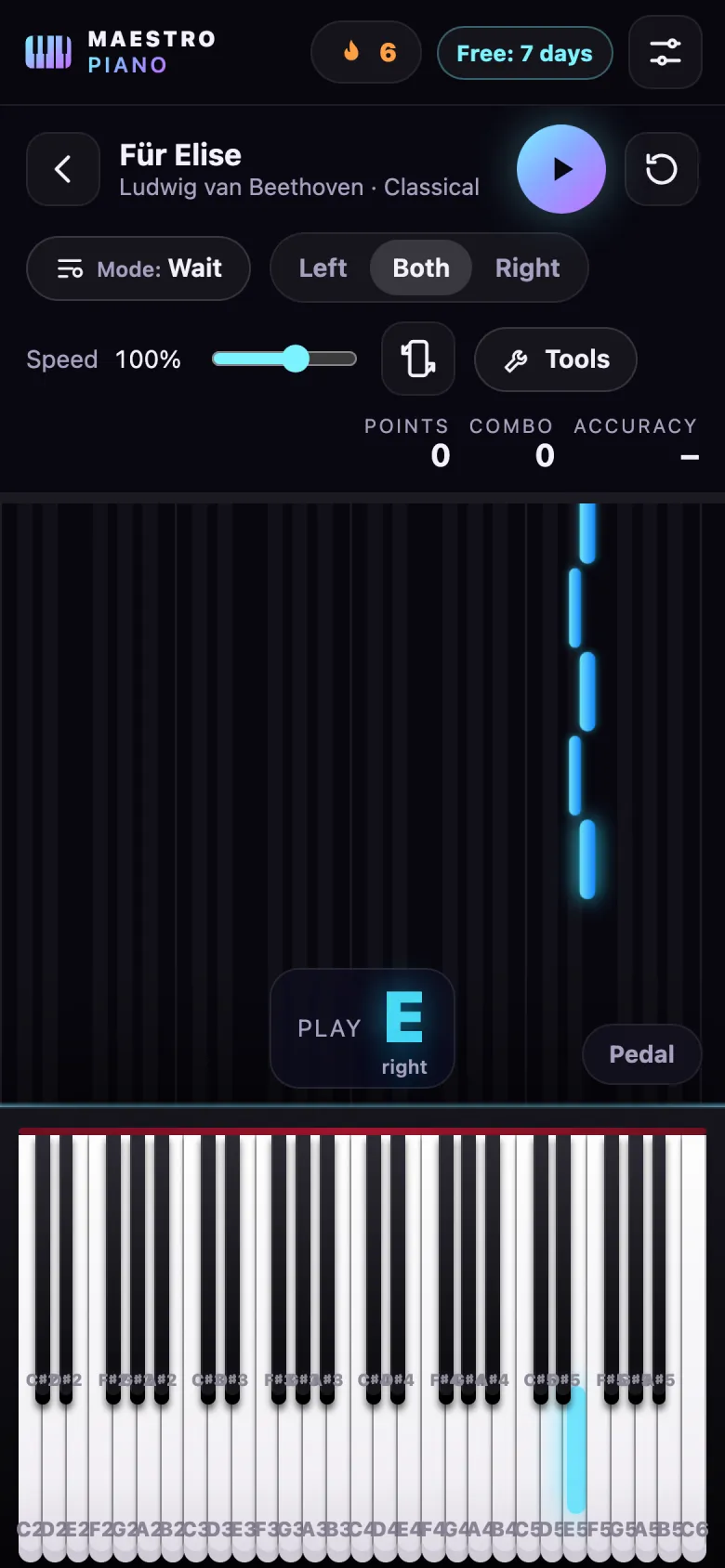
In On my piano mode, the app shows each phrase on screen and you play it on your instrument. In Play along mode, the music plays straight through, with the keys lighting up and the next note shown large, and you play at the same time.
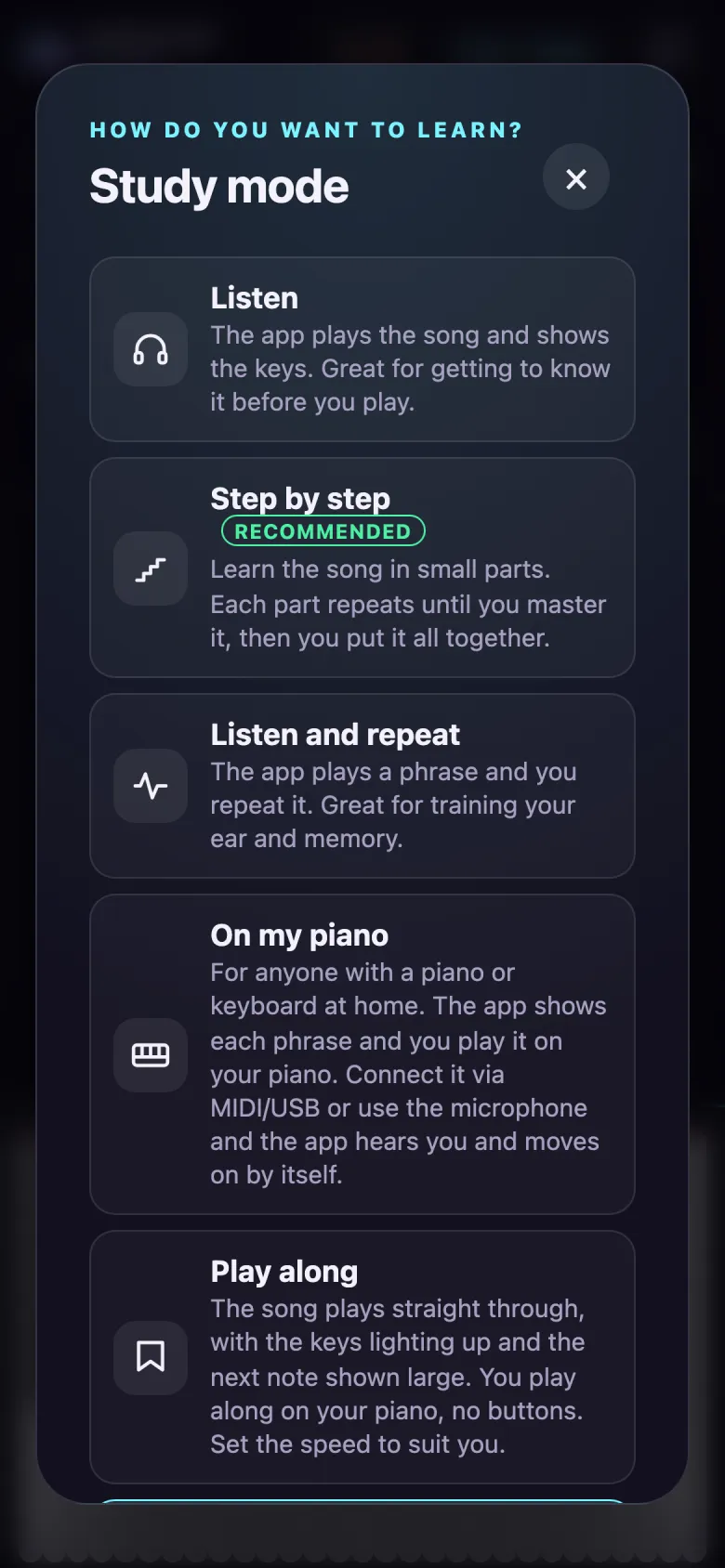
Practice modes
The app plays the song and shows the keys. Good for getting to know it before you play.
Learn the song in small parts. Each part repeats until you’ve got it.
The app plays a phrase and you repeat it. It trains your ear and memory.
The music stops until you play the right key, so you can take as long as you need.
The music keeps time and you score points for accuracy.
You play from memory, with no falling notes or lit keys.
The app shows the phrase and you play it on your piano or keyboard.
The music plays straight through and you play along on your instrument.
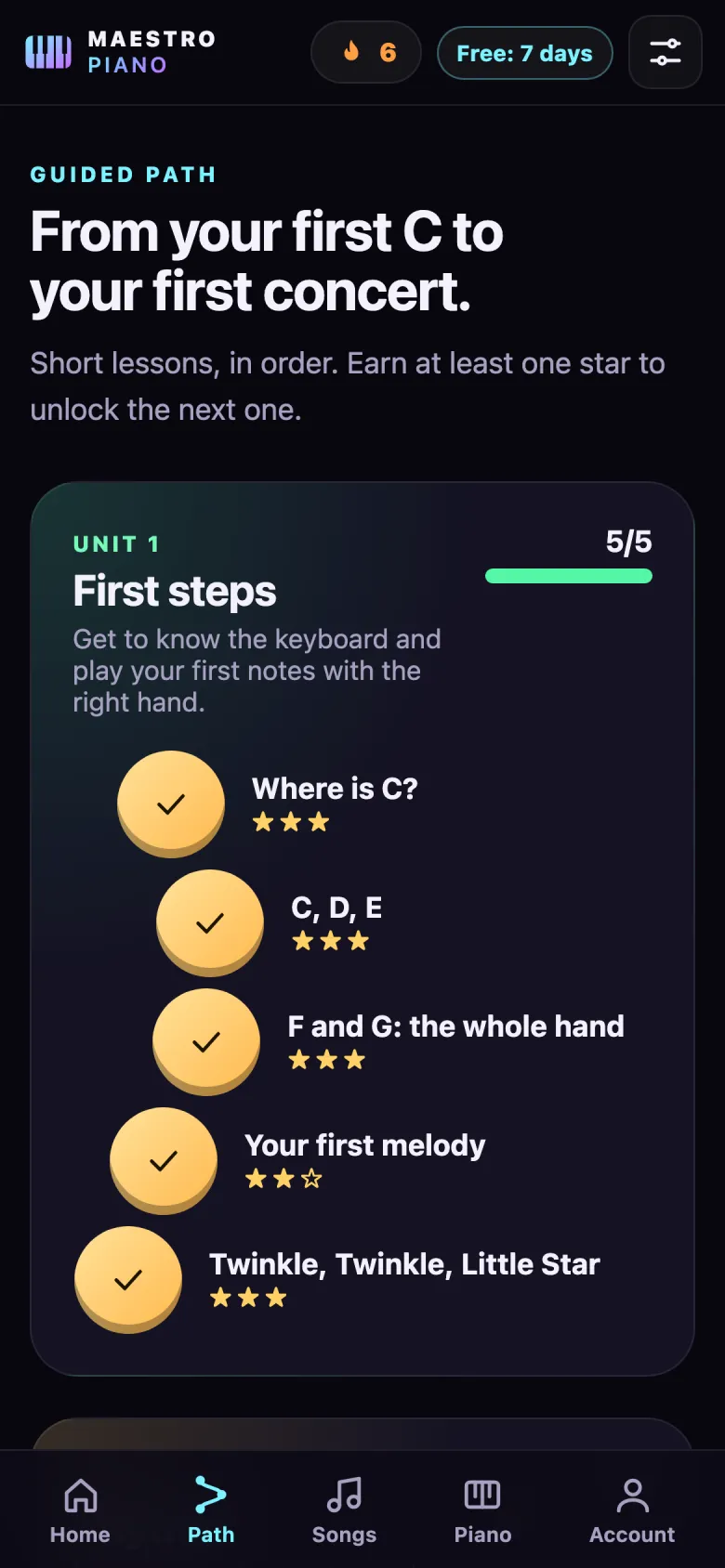
Guided course
Six units of short lessons, in order. Every lesson comes with a teacher’s tip, and one star unlocks the next.
Streaks, a daily goal, levels and achievements help you build the habit: a few minutes a day is enough.
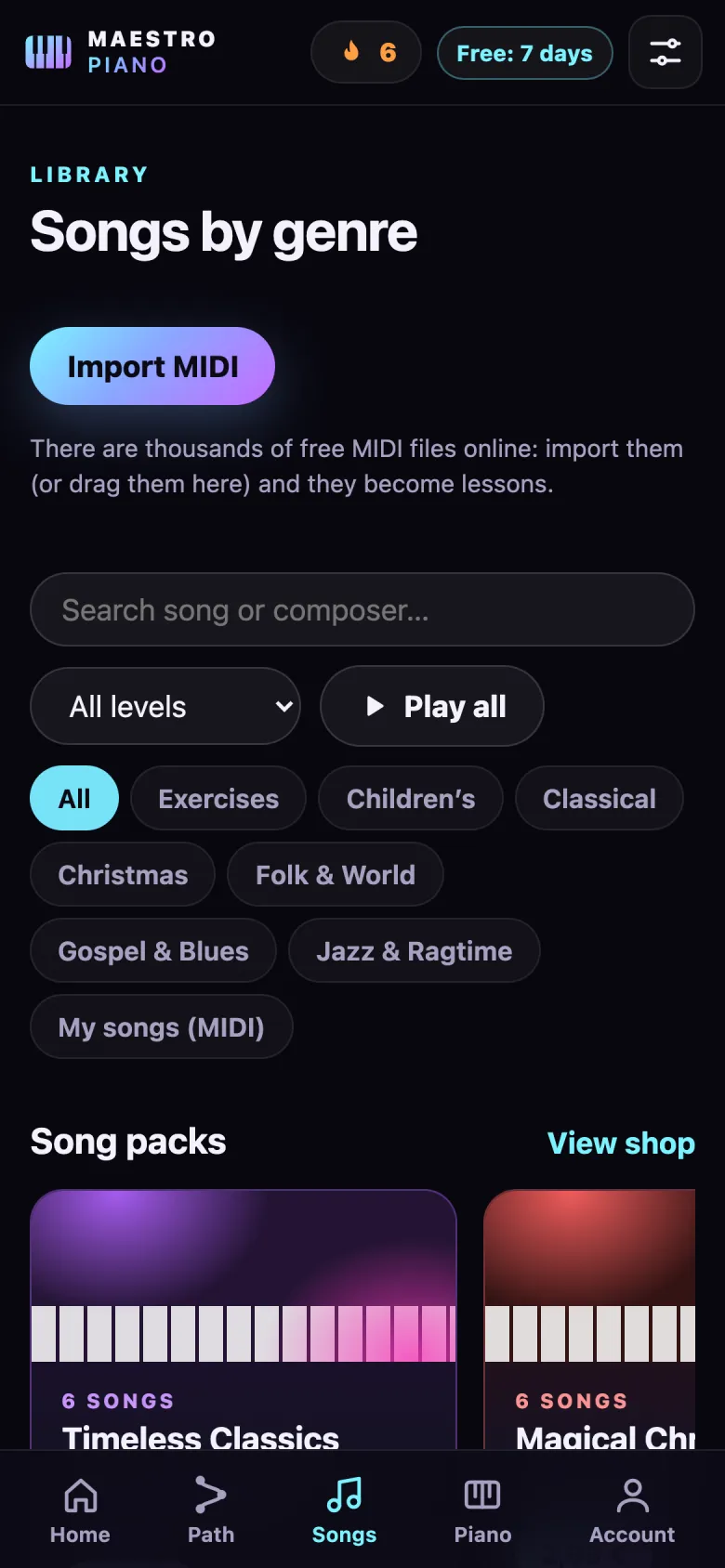
Library
Classical, children’s, folk, gospel, blues, jazz, ragtime and Christmas, each with the right hand, the left or both.
Packs are bought once and are yours forever, even without Premium. You can also import MIDI files: any song becomes a lesson.
For the whole family
Colourful notes, slower music, fewer keys and more celebration for every right note.
Points, combos and challenges for anyone who loves games.
The full keyboard, sheet music and proper repertoire.
Large text, a calm pace and gentle effects.
Pricing
€0
7 days free
€30 /year
that’s €2.50 a month
Free for 7 days, then €30 a year. Cancel any time in your store settings (App Store or Google Play).
No accounts, no ads, no tracking cookies. Your progress is saved on your phone and the microphone is analysed on the device itself, with no recordings. Read the privacy policy.
Frequently asked questions
No. You can learn on the on-screen keyboard of your phone or tablet. If you have a piano or keyboard, use the “On my piano” and “Play along” modes.
On devices that support MIDI keyboards, connect it with a MIDI/USB cable and the app detects it by itself. On an acoustic piano, or on a device without MIDI support, use your phone’s microphone. And you can always use “Play along”, which needs no connection at all.
Yes. The first time, you choose who is learning and the app adjusts the speed, note colours, number of keys and effects. For children we ask an adult to confirm.
Yes, the app was made for complete beginners. The first lesson shows you how to find C, and each lesson after that adds just one new thing.
The subscription is managed by the store where you took it out. On iPhone, go to Settings → your name → Subscriptions. On Android, open Google Play → Payments & subscriptions. If you cancel during the 7 free days, you pay nothing.
In the app, open Account, type the code in the “Gift code” field and tap Activate. The gifted access starts straight away.
Your progress stays on your device and you can export or delete it in Account → Privacy and data. We only receive anonymous usage statistics, which you can turn off.
Maestro Piano is coming to the App Store and Google Play. Send us an email and we’ll let you know on launch day.
Let me know at launch